
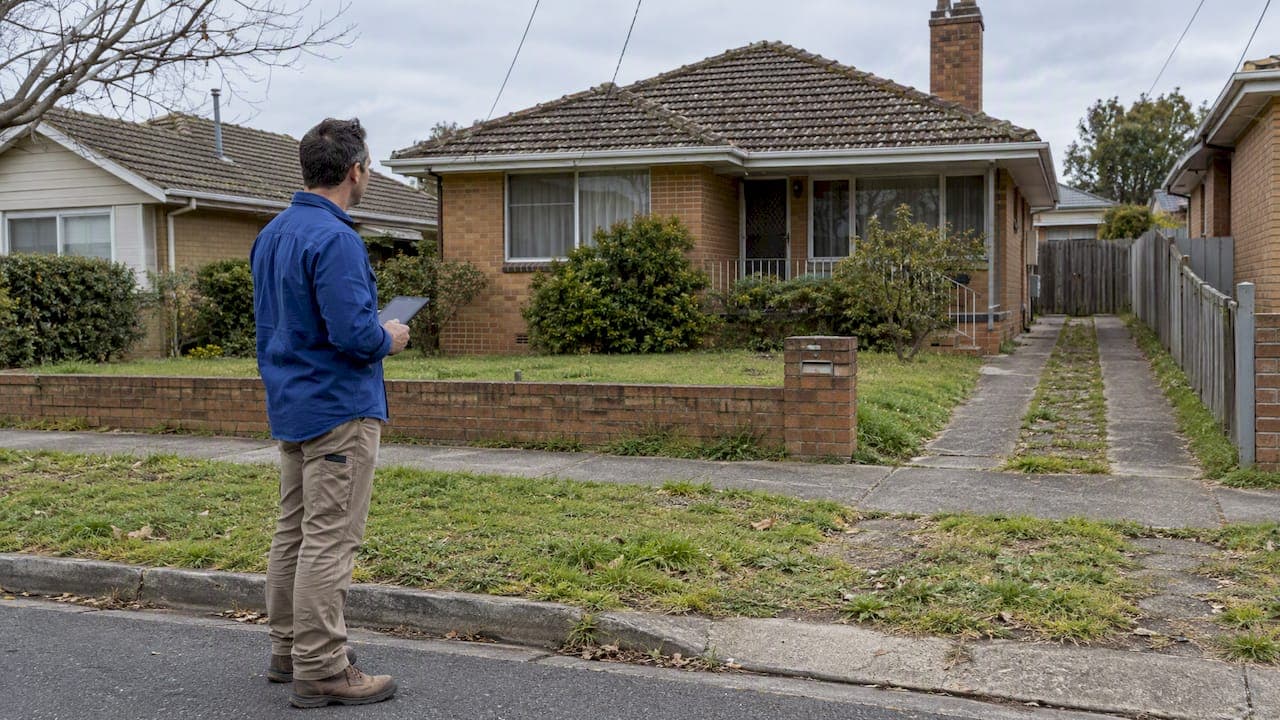
Proptech for developers in Australia is most useful at the front of a project. Before you pay for a survey, a town planner or a design, you want to know three things: what the land can legally become, what it will cost to deliver, and whether the numbers leave a margin. Good tools answer those three questions in minutes. Poor ones bury you in dashboards.
This guide sorts the proptech landscape by the job it does for a developer, shows where each type of tool stops being reliable, and sets out a workflow you can run on any NSW site before committing money.
TL;DR
- Use proptech to screen sites early: zoning, constraints, development potential and a rough feasibility. Use professionals to confirm anything you will spend serious money on.
- Official NSW sources (the Planning Portal's Spatial Viewer, council plans, the Housing and Productivity Contribution page) are the ground truth. Software should point you to them, not replace them.
- The biggest feasibility errors come from statutory costs, the approval pathway (CDC or DA) and thin comparable sales, not from build cost alone.
- Automated output is a starting point. A human review of the conclusion is what turns a screen into a decision.
- Run a pre-lodgement meeting with council before you lodge a DA on any site with heritage, flooding or bushfire issues.
Table of Contents
- What proptech actually means for a developer
- The tools worth using, stage by stage
- Where automated tools fall short
- A workflow you can run on any NSW site
- Our perspective
- Choosing between the types of tool
- How SiteScope fits
- What to ask any provider before you pay
- FAQ
- Sources
What proptech actually means for a developer
The word covers a huge range. Most of it is not built for you. Property management platforms, smart-building sensors, agent CRMs and tenant apps are proptech, but they serve owners and operators after a building exists.
For a developer, the relevant categories sit earlier in the cycle:
- Site and planning intelligence: zoning, overlays, height and floor space controls, lot size, heritage, flood and bushfire flags.
- Feasibility and residual land value: costs, end value, profit margin and what you can afford to pay for the land.
- Market evidence: comparable sales, rents and absorption.
- Approvals and delivery: application lodgement, certification, project management, cost control.
- Advisory and introductions: the human layer of planners, surveyors, architects and quantity surveyors.
The 2026 Yardi and Property Council Property Technology Report is a useful reality check. Its findings point to technology being used more to simplify repetitive administration than to reshape core investment or development decisions, and to a sector where success depends on data maturity and governance as much as on the software itself. In the same research, 55% of senior respondents were operating or implementing AI systems, 44% named the skills gap as the biggest challenge, and 25% cited a lack of accurate or available datasets as a barrier.
For a developer, that last point matters most. A tool is only as good as the data under it, and early-stage development decisions depend on planning data that changes by council, by lot and sometimes by month.
The tools worth using, stage by stage
Stage 1: Is the site worth a closer look?
Start with the official map. The NSW Planning Portal's Spatial Viewer is a digital mapping service with planning information for every address and lot in NSW. It is free and authoritative. It is also raw: you get layers, and you still have to know what they mean for a development.
This is where a screening tool earns its place. A good one reads those layers for you and tells you what matters:
- the zone and what it permits
- minimum lot size, floor space ratio and height limits
- heritage, flood, bushfire, acid sulfate soils and easements that constrain a build
- a score or summary of development potential
The test of a screening tool is simple. Does it tell you why a site scores the way it does, so you can check it against the planning instrument? If it only gives a number, treat the number as a prompt for questions.
Stage 2: Does the project stack up?
Here most developers go wrong. A back-of-envelope sum of land price, build cost and sale price hides the lines that decide the result:
- Statutory costs. Local infrastructure contributions under sections 7.11 and 7.12 vary by council and development type. A council's published rates can differ sharply between a two-bedroom apartment and a house, so check the plan for the area you are buying in. On top of that, the Housing and Productivity Contribution applies to new residential, commercial and industrial development in Greater Sydney, Illawarra Shoalhaven, Lower Hunter and Greater Newcastle, and Central Coast regions. Confirm which plan applies in your council area at the time you lodge.
- Approval pathway. The choice between a development application and a complying development certificate changes your timeline and holding costs.
- BASIX. The BASIX report is not the legal document. Only the certificate issued after the online assessment and fee payment is accepted for a DA or construction certificate, and it must be revised if your plans change.
- GST. The margin scheme, going concern and new residential premises rules can swing a land bid. Our note on residual land value and GST traps covers where bids go wrong.
A feasibility tool should show these lines separately, not bundle them into a single "costs" figure.
Stage 3: What will it sell for?
End value is the softest number in any feasibility, and the one with the most leverage. Software that pulls sales records helps, but the selection of comparables is a judgement call: same street or same suburb, new or established stock, dwelling size, sale date. Weak comparables produce confident-looking nonsense. We explain what a defensible set looks like in our piece on comparable sales analysis from official records with human review.
Stage 4: Which pathway and which professionals?
Once a site passes screening, the question becomes how to approve it. Complying development is a fast-tracked process that combines planning and construction approval for straightforward development, determined by council or an accredited certifier without a full DA, provided the proposal meets specific development standards. Approvals can be issued in as little as 20 days. If your design does not meet those standards, you are in DA territory.
For the DA route, the single most valuable step is not digital at all. The NSW Government's guidance on pre-lodgement says that getting the front end right makes a simple DA process likely, and that giving council an assessment-ready application matters. A pre-lodgement meeting lets council staff give you their prospective position on contentious issues like heritage, flooding or bushfire. That is worth more than any amount of software when a site has a genuine constraint.

Where automated tools fall short
Be honest about the limits, because they cost developers real money.
Planning data is a snapshot. Planning controls, contribution rates and policies change. The Housing and Productivity Contribution replaced transitioning special infrastructure contributions in many areas, and some sites fall under new housing policies. The NSW Government's Low and Mid-Rise Housing Policy applies within an 800 metre walk of nominated town centres and stations, and it carries exclusions. A tool that does not flag whether a lot is inside or outside that policy area is missing something that can change the yield.
Constraints interact. A flood overlay on its own may be manageable. Flood plus heritage plus a narrow frontage is a different project. Software lists constraints. Experience weighs them.

One scenario is not an analysis. A single profit figure hides how fragile it is. You want at least a base case, a downside where costs rise or prices soften, and an alternative strategy such as a duplex versus a subdivision versus selling the site with approval.
AI-only conclusions can sound sure and be wrong. The Property Council research found that the barriers to adoption are skills and data quality. A model that writes a fluent conclusion from patchy inputs is a risk, not a shortcut.
A workflow you can run on any NSW site
- Screen the address. Pull zoning, lot size, controls and constraints. Note anything that looks restrictive.
- Check the instrument. Open the relevant local environmental plan and development control plan, or the Spatial Viewer layers, and confirm what the screen told you.
- Build the numbers with every statutory line. Include local contributions, the Housing and Productivity Contribution where it applies, BASIX, certification and holding costs.
- Test the pathway. Decide whether a CDC is realistic or whether you need a DA, and put time and cost against each.
- Pressure-test end value. Use comparable sales you can defend, then run a downside.
- Decide what you still do not know. List the open questions, such as heritage advice, a flood study or geotechnical risk, and price them.
- Book pre-lodgement with council if the site carries a contentious constraint.
- Only then spend on design and a full consultant team.
Steps 1 to 6 are where proptech saves days. Steps 7 and 8 are where people still matter.
Our perspective
We built SiteScope because the early stage of development is where cheap mistakes become expensive ones. Most people we speak to are not short of data. They are short of a clear answer about whether a particular lot is worth pursuing, and what the real costs will be.
Three convictions shape how we work.
First, real planning data beats guesswork. Our checks start from zoning and constraints for the actual address, not a suburb average.
Second, a human should stand behind the conclusion. Our Founder-Reviewed Report exists because we do not think an automated or AI-only conclusion is good enough for a decision involving a site purchase. Software assembles the evidence quickly, and a person reads it critically.
Third, early-stage analysis should be honest about uncertainty. That is why our reports compare scenarios and set out risks rather than present one flattering number. If a site does not stack up, the most useful thing we can tell you is to walk away before you have spent on consultants.
We also keep the commercial terms simple: no lock-in subscription, clear pricing and a refund guarantee.
— Ashton
Choosing between the types of tool
You will meet four kinds of option. Each has a place.
| Type of option | Best for | Main limit |
|---|---|---|
| Free government map viewers | Checking raw zoning and overlays | You interpret everything yourself |
| Subscription data platforms | Teams researching many sites every week | Cost and complexity for a single project |
| Spreadsheet or modelling software | Detailed cash flow on a committed project | Needs good inputs and modelling skill |
| One-off feasibility reports and advisory | Deciding on a specific site before you commit | Not built for daily portfolio monitoring |
If you are screening one or two sites a month, a recurring subscription rarely pays for itself. If you are a large developer running dozens, it can. Match the tool to your volume and to how far along the decision is.
How SiteScope fits
SiteScope is built for the stage between "I like this site" and "I am commissioning plans". It covers NSW only.
- Quick Scan: an instant zoning check, constraints analysis and development potential score for any NSW address.
- Automated Report: a fuller feasibility covering planning controls, statutory costs, build cost estimates, end value, profit margin and CDC versus DA pathways.
- Founder-Reviewed Report: the same analysis with comparable sales, multi-scenario analysis, risk assessment and a conclusion reviewed by a founder.
- Development Concierge: adds an in-person site inspection, a strategy session and introductions to professionals.
Start with a free zoning scan on SiteScope and escalate only if the site deserves it. If you are weighing a report, our guide to commissioning a property feasibility report reviewers can trust explains what to look for. Central Coast owners can also see our Central Coast page.
What to ask any provider before you pay
- Where does the planning data come from, and how recent is it?
- Are statutory costs itemised, and does the report say which contribution plan it used?
- Does it model more than one scenario?
- Who reviews the conclusion, and can you speak to them?
- What are the terms: refunds, lock-in and what happens if the site changes?
- Does it tell you what it could not determine?
A provider that answers these plainly is probably worth your time. One that dodges them is selling a dashboard.
FAQ
Is proptech worth it for a small developer or first-time builder?
Yes, mainly at the screening stage. A quick zoning and constraints check can stop you buying a site that cannot be built on as you hoped. Skip long subscriptions until you are assessing sites regularly.
Can software replace a town planner?
No. Software tells you what the controls say and flags likely constraints. A planner interprets them for your design and argues the merits with council. Use software to decide whether the planner's fee is worth spending.
What is the difference between a CDC and a DA?
A complying development certificate is a fast-tracked approval for straightforward development that meets set standards, and it can be determined by council or an accredited certifier. A development application is a full merit assessment by council. Which one applies depends on your site and design, so test it early.
Do I still need to talk to council if I use these tools?
Often, yes. If a site has heritage, flooding or bushfire constraints, a pre-lodgement meeting gives you council's prospective position before you invest in a full application. Tools help you arrive prepared.
Sources
- Australian Property Technology in 2026, Yardi and Property Council of Australia
- Search for planning information about a property, Service NSW
- Housing and Productivity Contribution, NSW Planning
- Section 7.11 current rates, Newcastle City Council
- BASIX and planning approvals, NSW Planning Portal
- Complying Development, NSW Planning Portal
- Stage 1 Pre-lodgement, NSW Planning
- Low and Mid-Rise Housing Policy exclusions, NSW Planning